Client sharing guide
How to share construction photos with clients without sending a messy folder.
Clients want proof and progress, not a scavenger hunt through raw files. A clean sharing workflow gives them the right photos, keeps your internal project record intact, and lets your team remove access when the review is done.
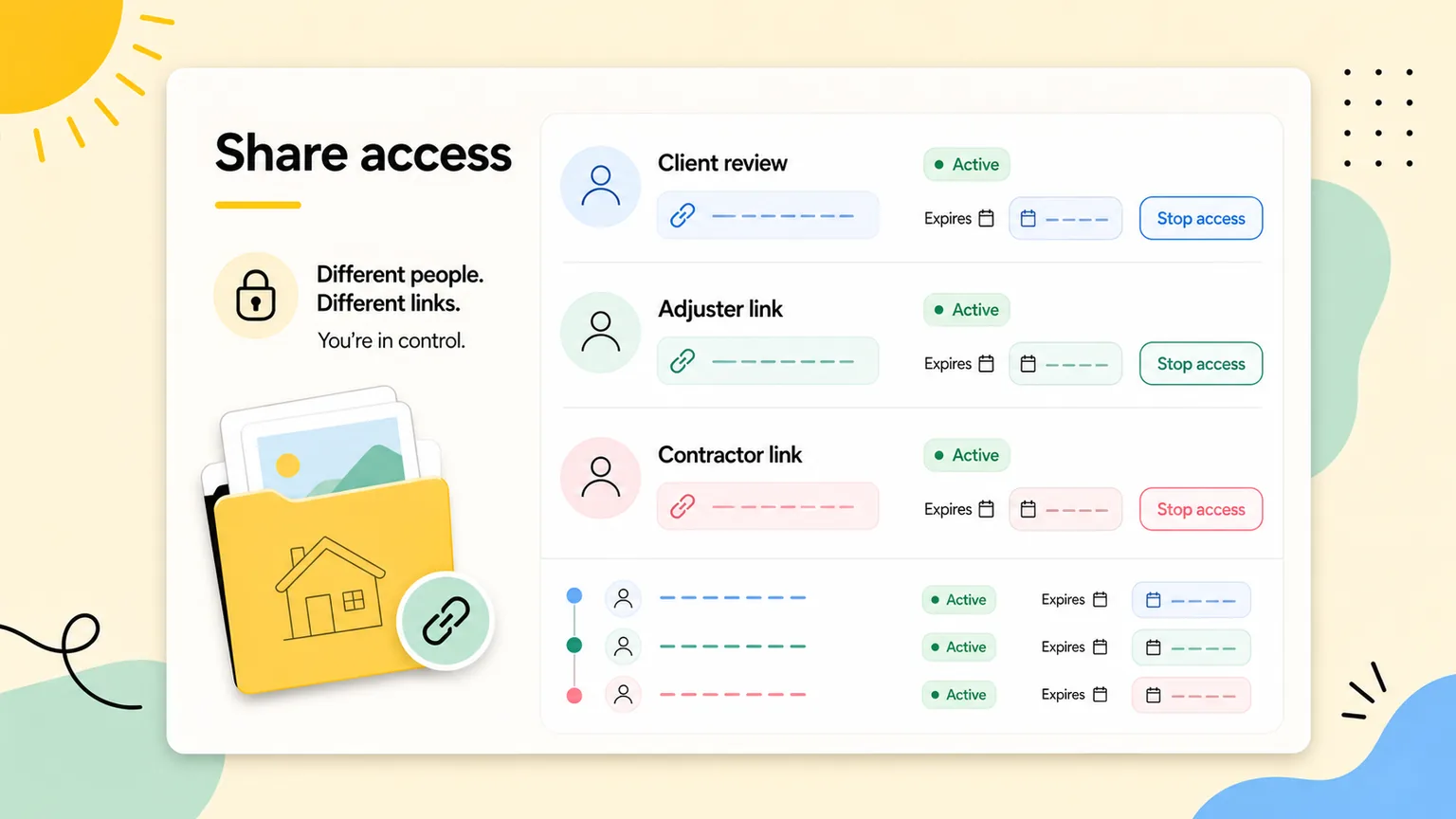
share construction photos with clients
A practical field-to-office workflow.
Part 1
Choose the right sharing scope
Start by deciding how much the client actually needs to see. More photos are not always clearer.
- Use a whole-project link for broad progress review.
- Use a section link for one area or phase.
- Use selected-photo links for specific proof or approvals.
Part 2
Add context before sending
A link is more useful when the photos are already organized. Sort the gallery first so the client sees a clean story.
- Group photos by section or phase.
- Use a short internal note to identify why the link exists.
- Set an expiration when access should be temporary.
Part 3
Review access after the decision
Client photo sharing should not become permanent by accident. Access history gives the team a cleanup habit.
- Check which links are still active.
- Stop links that are no longer needed.
- Create separate links for different stakeholders when needed.
More construction photo guides
organize jobsite photos
How to Organize Jobsite Photos
A practical guide to organizing jobsite photos by project, section, phase, and stakeholder review so construction documentation stays useful.
Read guideconstruction progress photo documentation
Construction Progress Photo Documentation Guide
Learn how to document construction progress with organized photos that support updates, billing, inspections, and closeout review.
Read guidepunch list photo documentation
Punch List Photo Documentation Guide
A practical punch-list photo documentation workflow for tracking issues, assigning context, proving completion, and sharing updates.
Read guideCommon questions
What is the easiest way to share construction photos with a client?
Use a private project photo link after organizing the photos by project and section. That gives the client a clearer view than a raw folder or text thread.
Can different clients or stakeholders get different links?
Yes. ProjectRoll can create separate private links for different people, and each link can be managed separately.