Private sharing
Share project photos with private links you can control.
Create private ProjectRoll links for a whole project, a section, or selected photos, then stop access when that link is no longer needed.
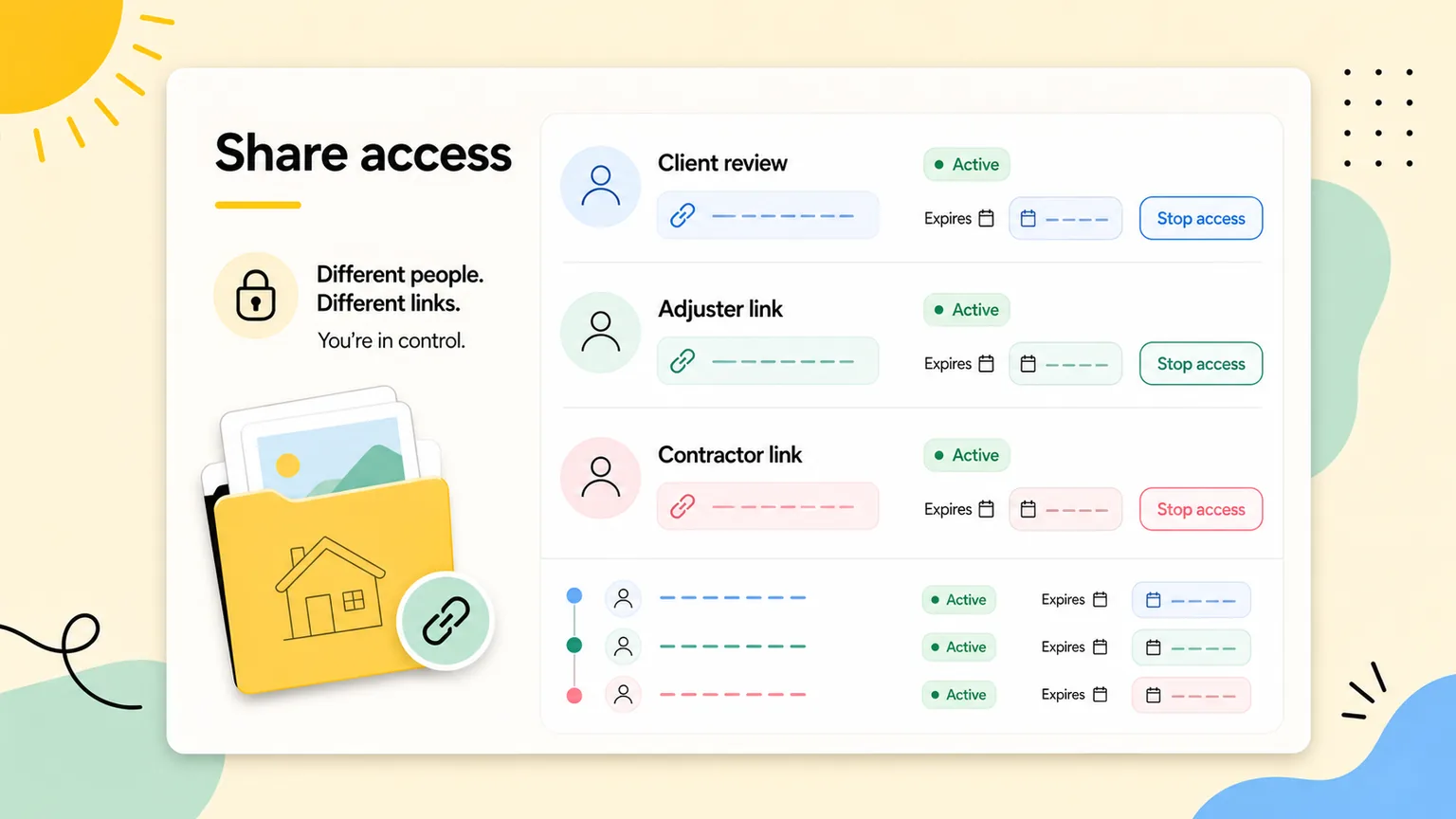
private project photo sharing
Built for teams sharing project proof with clients, adjusters, owners, and contractors.
ProjectRoll keeps marketing promises close to the actual product: project galleries, private links, access history, and report-ready photo organization.
Product proof
Multiple active links
ProjectRoll can keep separate active whole-project links for different recipients, and each link can be stopped independently.
Product proof
URL shown once
The private URL is copyable at creation time; after that ProjectRoll stores only a token hash so old readable secrets are not displayed again.
Product proof
Access history
The share panel and workspace shared-links page show link scope, status, expiration, note, creator, and stop-access controls.
Whole-project links
Share the full project record when someone needs the complete view.
Section and selected-photo links
Send only the photos that matter for a decision, walkthrough, or proof request.
Access history
Review active, expired, and stopped links from the project share panel and workspace settings.
Why teams search for this
The problem behind private project photo sharing.
One client needs the whole project while an adjuster only needs the damage photos.
Old share links can linger after a review is finished.
Teams need to share quickly without turning the project record into a public folder.
What changes with ProjectRoll
A cleaner project photo workflow.
Separate links for clients, adjusters, contractors, and other stakeholders.
Expiration and stop-access controls for each private link.
A visible access history so the team can see which links are active, expired, or stopped.
Search focus
private project photo sharing
This page targets a real workflow need while staying honest about what ProjectRoll does today: organize project photos, share private links, and create cleaner review records.
Workflow
Step 1
Choose the project or photo set
Step 2
Add an internal note
Step 3
Set optional expiration
Step 4
Copy the private URL once and manage access later
Keep exploring
Related ProjectRoll pages
Features
Project Photo Organization App
ProjectRoll helps teams keep project photos organized in one private workspace instead of scattered across phones, text messages, and loose folders.
Read nextFeatures
Project Photo Reports
ProjectRoll helps teams package important project photos for estimates, invoices, inspections, and client updates without rebuilding context from scratch.
Read nextFeatures
Client Project Photo Access
ProjectRoll gives clients and stakeholders private access to the photos they need while your team keeps project records organized.
Read nextUse cases
Construction Photo Documentation App
ProjectRoll helps construction teams document progress, punch-list items, site conditions, and completed work with organized project photo records.
Read nextCommon questions
Can I create more than one project share link?
Yes. ProjectRoll can create separate active whole-project links for different people, so stopping one link does not automatically stop another.
Why can an old private URL not be shown again?
ProjectRoll stores a hash of the private token, not the readable URL, so the app can verify visits without keeping the original secret visible later.