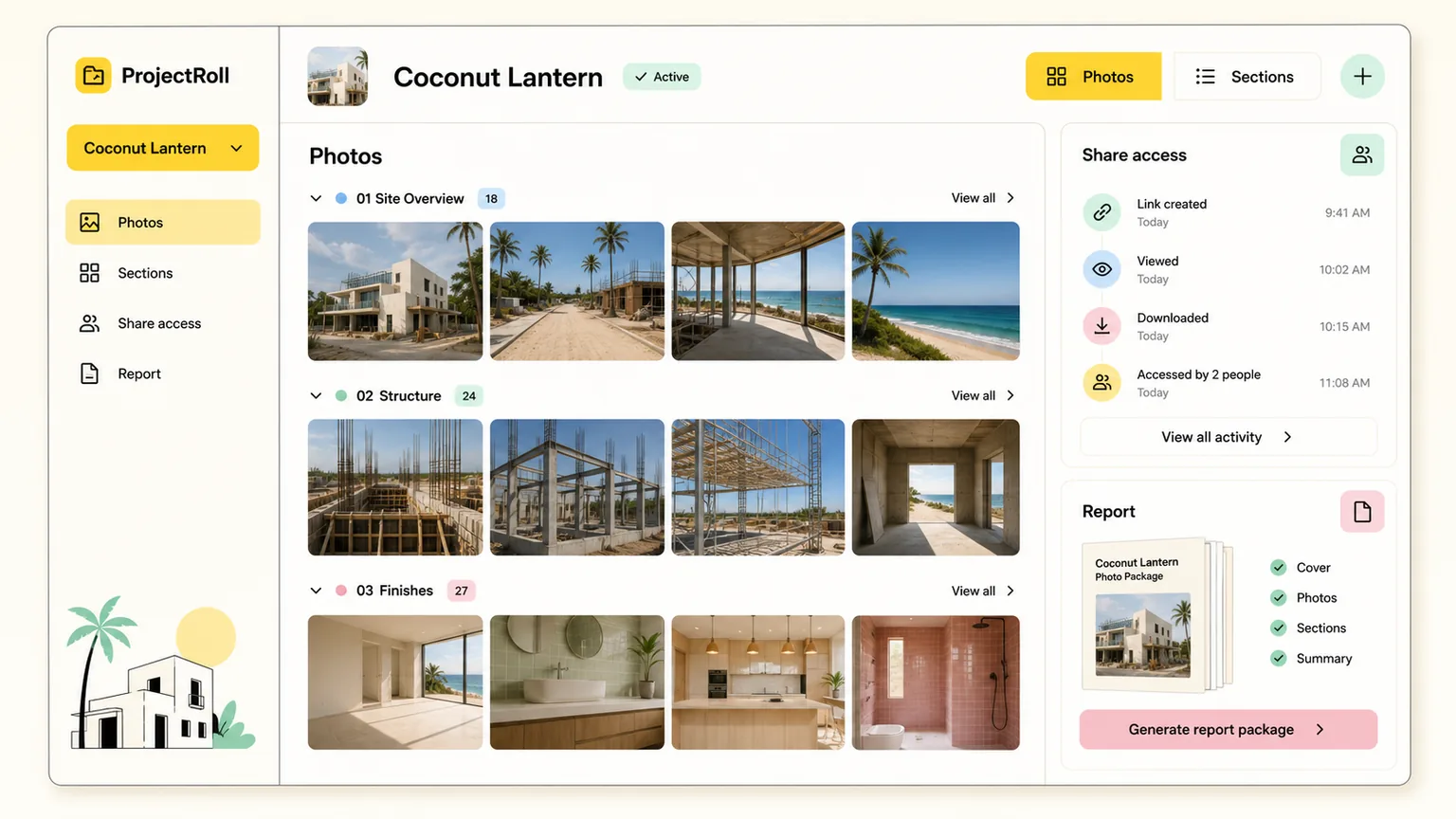
Fast photo documentation for every project.
ProjectRoll
Capture project photos, keep them organized by section, and turn the important shots into share links and reports without digging through personal phone galleries.
Step 1
Start a project
Step 2
Capture or upload photos
Step 3
Sort into sections
Step 4
Share or report
Built for real project photo work
Quick enough for the field. Structured enough for the office.
ProjectRoll keeps the original photo safe, lets members organize by project and section, and gives teams controlled ways to share what matters.
Start fast
Create a project with one click, then clean up the name, location, and notes later.
Organize by section
Keep photos grouped by the parts of the work that matter, without losing the full project context.
Share safely
Create private share links for a project, a section, or selected photos when someone needs proof.
Report clearly
Turn project photos into saved packages and browser-print reports for estimates, invoices, and inspections.
Private by default
Uploads stay private until a workspace member shares them.
ProjectRoll uses private storage and temporary signed links. Share links can be stopped, and permanent deletion is intentionally a later, safer workflow.