Punch list guide
Punch-list photo documentation that closes the loop.
Punch-list photos are not just reminders. They are proof of open items, location, responsibility, and completion. The workflow needs to make it easy to see what is still open and what has been resolved.
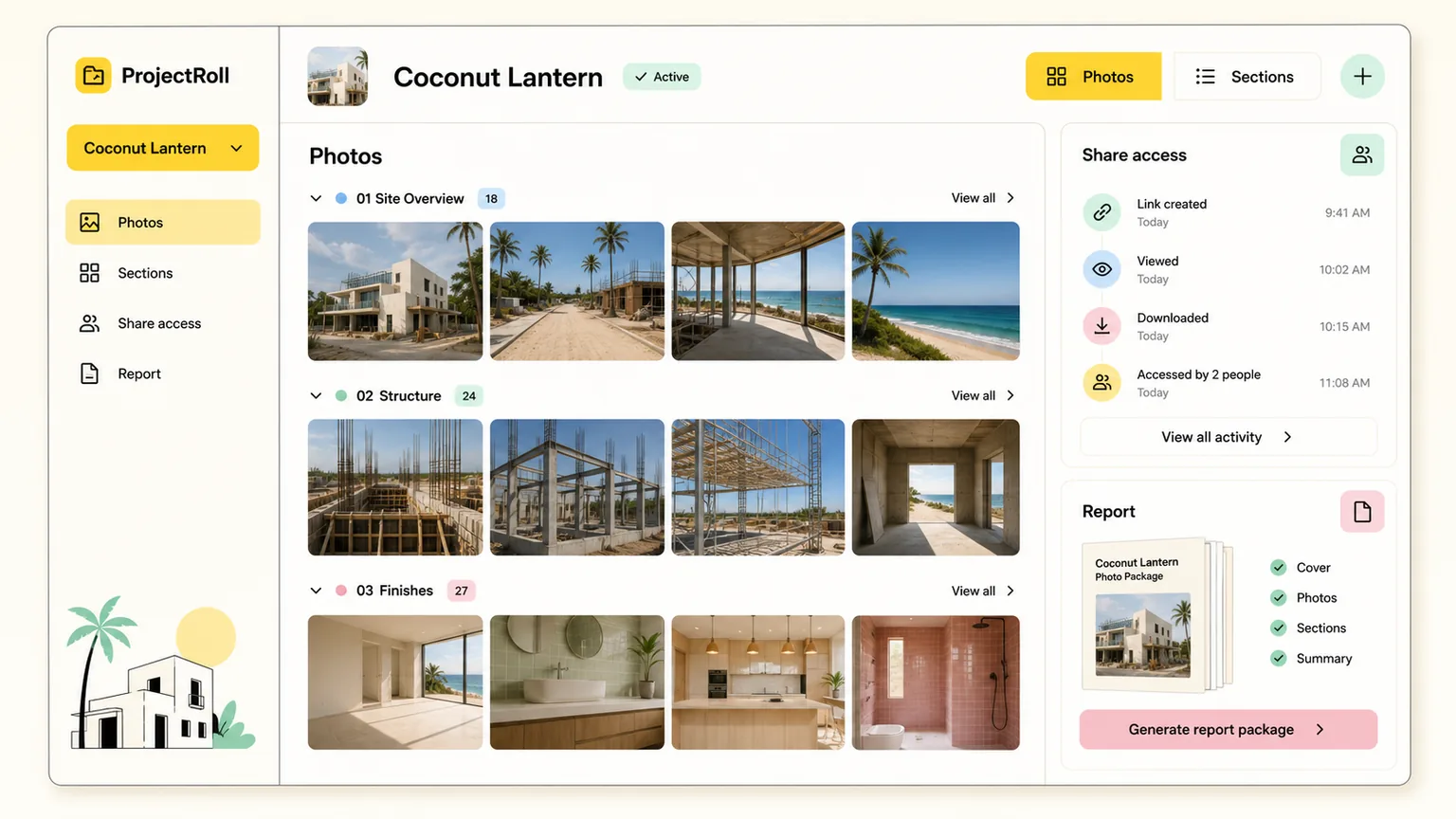
punch list photo documentation
A practical field-to-office workflow.
Part 1
Document the issue clearly
A punch-list photo should show enough context that someone can find and understand the issue without a long explanation.
- Take one wider location photo.
- Take one close detail photo.
- Group photos by room, area, or trade.
Part 2
Keep completion proof next to the issue
Completion photos are much easier to trust when they live with the original issue photos instead of in a separate thread.
- Add completion photos to the same project section.
- Use labels or notes to clarify status.
- Package before-and-after photos for review.
Part 3
Share focused punch-list updates
Most stakeholders do not need the whole project gallery for a punch-list update. A focused share link keeps review clear.
- Share selected photos for a specific item.
- Share a section for one area of work.
- Stop access after the review is finished.
More construction photo guides
organize jobsite photos
How to Organize Jobsite Photos
A practical guide to organizing jobsite photos by project, section, phase, and stakeholder review so construction documentation stays useful.
Read guideconstruction progress photo documentation
Construction Progress Photo Documentation Guide
Learn how to document construction progress with organized photos that support updates, billing, inspections, and closeout review.
Read guideshare construction photos with clients
How to Share Construction Photos with Clients
Learn how to share construction photos with clients using private links, focused photo sets, clear notes, and access cleanup.
Read guideCommon questions
What makes a good punch-list photo?
A good punch-list photo shows the issue clearly and includes enough surrounding context for someone to locate it later.
How should completion proof be documented?
Keep completion photos in the same project or section as the original issue so before-and-after review is easy.