Restoration documentation
Restoration photo documentation for damage, mitigation, and completion proof.
ProjectRoll helps restoration teams organize damage photos, mitigation progress, and completion records for clients, carriers, and internal review.
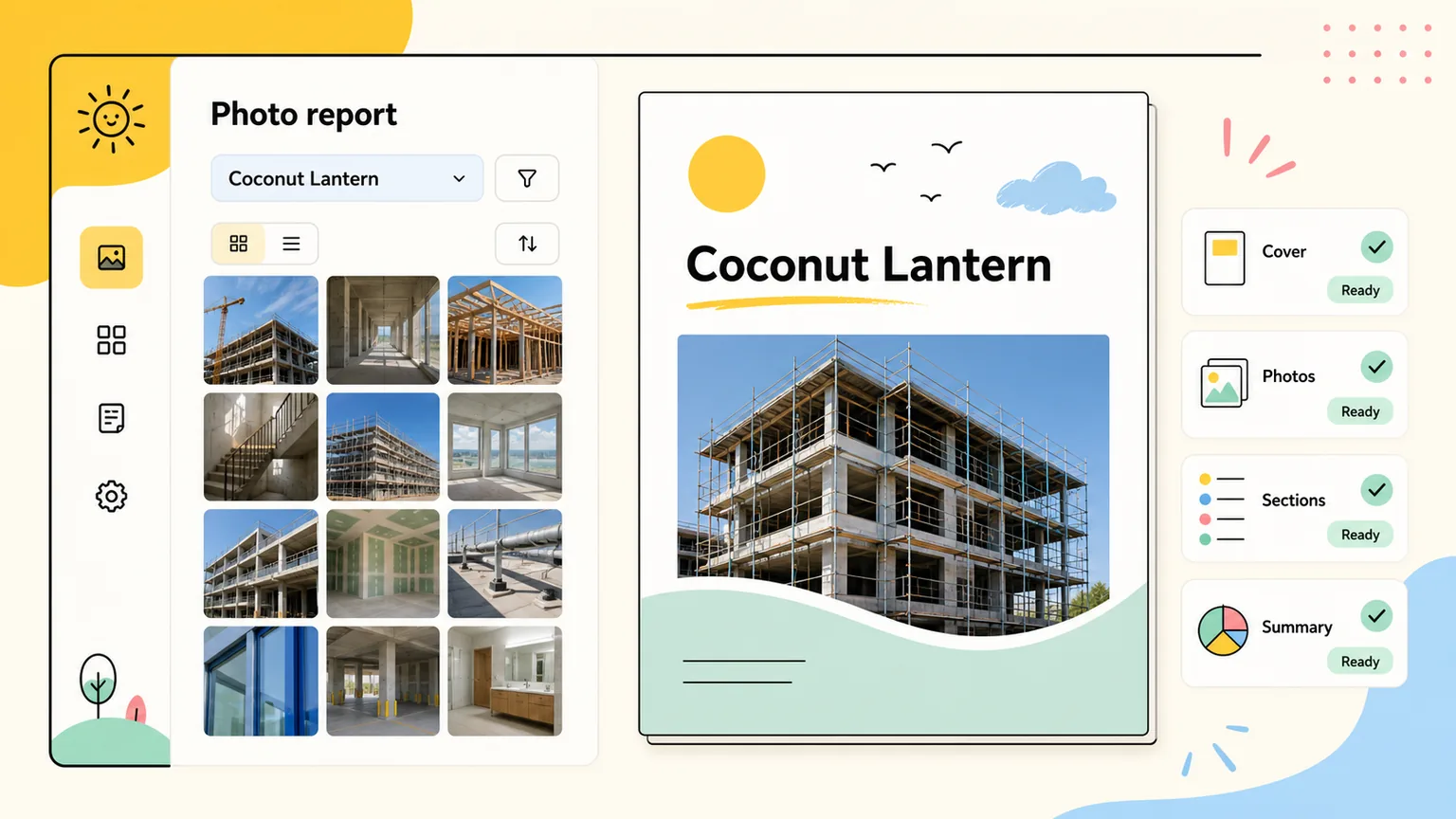
restoration photo documentation
Built for water, fire, storm, and property restoration teams.
ProjectRoll keeps marketing promises close to the actual product: project galleries, private links, access history, and report-ready photo organization.
Product proof
Field-to-office workflow
Use-case pages are grounded in the same loop inside the app: create a project, upload photos, sort by section, then share or report.
Product proof
Stakeholder-specific links
ProjectRoll supports separate private links for clients, owners, adjusters, vendors, and internal reviewers instead of one messy folder.
Product proof
Review-ready records
Photos stay attached to project and section context so progress, condition, completion, and exception reviews are easier to prepare.
Damage records
Keep intake, demo, mitigation, and repair photos together inside the project.
Adjuster-ready sharing
Create private links for adjusters or property owners without exposing unrelated projects.
Completion proof
Package before-and-after photos for cleaner project closeout conversations.
Why teams search for this
The problem behind restoration photo documentation.
Damage, mitigation, and completion photos need to stay tied to the right area and phase.
Adjuster review gets slower when proof is buried in a large folder or phone gallery.
Teams need to send selected proof without exposing unrelated property photos.
What changes with ProjectRoll
A cleaner project photo workflow.
Organized project records for intake, mitigation, repairs, and completion proof.
Selected-photo and project links for adjusters, owners, and internal teams.
Cleaner review packages for claim-related photo documentation.
Search focus
restoration photo documentation
This page targets a real workflow need while staying honest about what ProjectRoll does today: organize project photos, share private links, and create cleaner review records.
Workflow
Step 1
Create a loss or project record
Step 2
Upload field documentation
Step 3
Sort by area or phase
Step 4
Share selected proof
Keep exploring
Related ProjectRoll pages
Use cases
Construction Photo Documentation App
ProjectRoll helps construction teams document progress, punch-list items, site conditions, and completed work with organized project photo records.
Read nextUse cases
Property Management Photo Documentation
ProjectRoll helps property managers keep inspection, move-in, move-out, repair, and maintenance photos organized by property project.
Read nextUse cases
Real Estate Project Photo Sharing
ProjectRoll helps real estate teams organize renovation, listing prep, inspection, and repair photos into project records that are easier to share.
Read nextUse cases
Insurance Adjuster Photo Sharing
ProjectRoll helps teams organize and share the right project photos with insurance adjusters, clients, and internal reviewers.
Read nextCommon questions
Can ProjectRoll help with insurance restoration photos?
ProjectRoll can organize and share photos that support restoration documentation, client review, and adjuster communication.
Can I share only selected restoration photos?
Yes. Selected-photo links help you send only the images needed for a specific review.